Product type
A creator platform for selling and delivering educational products.
 TeachableTHE DECISION GUIDE
Evaluate Teachable as software for running your own education business. Compare course delivery, sales features, plan limits and operating costs around the product you intend to launch.
KNOW WHAT YOU ARE CHOOSING
A creator platform for selling and delivering educational products.
Courses, coaching, memberships and digital product workflows.
The individual creator is responsible for their product and teaching.
Plan fees, usage limits and payment or transaction fees need separate review.
A BETTER MATCH STARTS WITH YOU
Use the guidance below, then make the decision personal.
YOUR PREFERENCES, EXPLAINED
Four questions. A clearer starting point.
Choose Yes or No for every statement. Each Yes adds 25 points. This is a preference match, not a provider quality rating.
0 of 4 answered. Finish the checklist to see your fit.
Your score reflects four preferences. It is not a provider quality rating or a prediction of results.
CHOOSE A USEFUL STARTING POINT
Evaluate the workflow you actually intend to run before comparing plan tiers.
Map lessons, learning outcomes and the support your students will need.
Explore on Teachable ↗Decide how delivery, scheduling and ongoing access should work for your offer.
Explore on Teachable ↗Compare the format, checkout and customer experience for your intended product.
Explore on Teachable ↗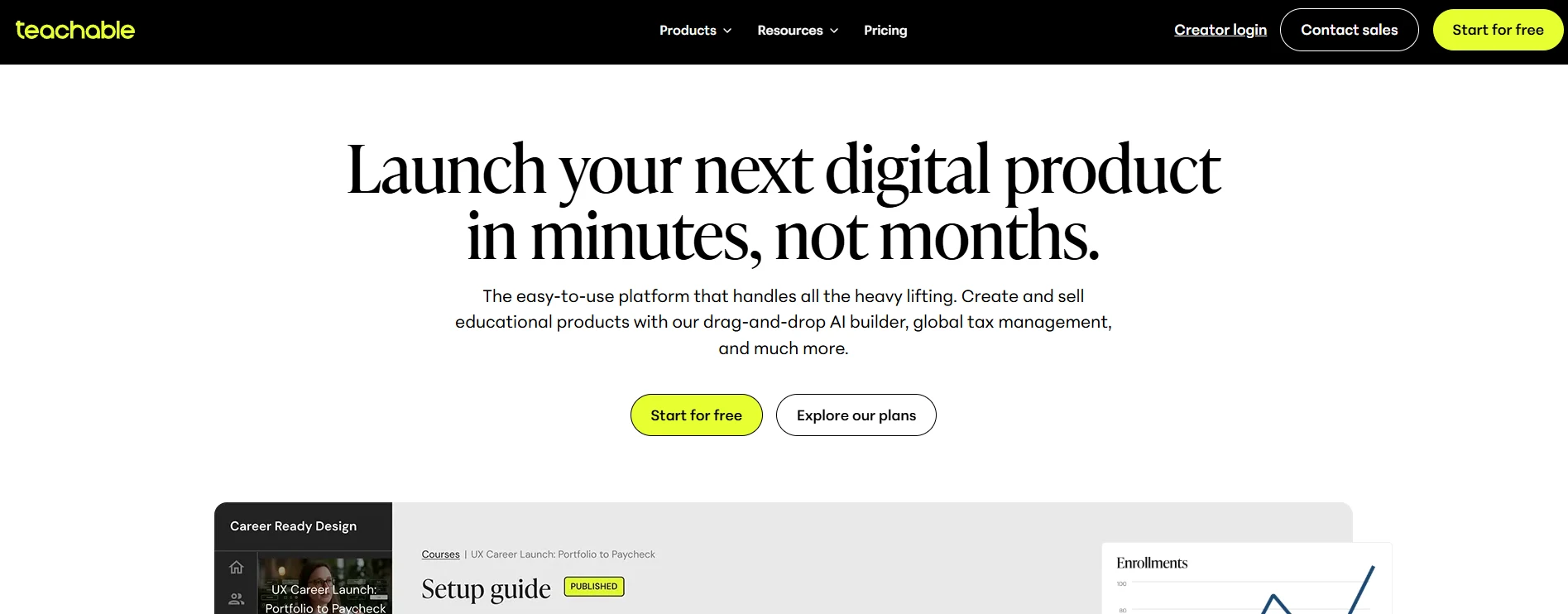
UNDERSTAND THE COMMITMENT
Compare the full cost of running your offer. Plan names and headline amounts alone do not establish which features or limits your business needs.
Validate the workflow
Use the current trial offer to inspect delivery and administration with a small example product.
Check current access & terms ↗Choose a plan
Check product limits, payment processing, transaction fees, billing period and support before subscribing.
Check current access & terms ↗Confirm renewal, cancellation, payment eligibility and taxes. A plan advertising no platform transaction fee may still have payment processing fees.
Read the Teachable creator plans access and billing guide →COMPARE THE WAY YOU WILL LEARN
Compare the purpose as well as the features. These options can serve different learning goals.
TeachableThis guide Udemy
Udemy Coursera
THE EVIDENCE BEHIND THE ADVICE
We reviewed official product, catalogue and access information to identify practical choices about format, prerequisites and commitment. Fit advice and the alternatives are editorial interpretations. We do not claim course completion, paid product testing or measured learning outcomes.
Official pages listed below were checked for this guide. Existing course and plan records retain their own check dates. No checkout, coupon redemption or hands-on learning assessment was performed; confirm current terms with the provider.
Decision guide checked . Research and interpretation by StealCourse.
Report a change or suggest a correction →BEFORE YOU DECIDE
Teachable is software creators use to sell and deliver their own products. Learner access and teaching depend on the particular creator and product purchased.
The official site describes courses, coaching, memberships and digital products. Check current feature availability and limits on the plan you choose.
Build an audience and marketing plan for your own offer. Do not budget on the assumption that subscribing to a platform guarantees students or revenue.
Check the delivery workflow, product limits, checkout eligibility, transaction and processing fees, renewal and cancellation terms. Test the workflow against your actual product.
YOUR NEXT STEP
Define your learner, outline the offer and check the delivery workflow.